Introduction
Desk lighting for eye comfort is one of the most important factors for reducing eye strain during long hours of computer work.
Poor desk lighting can cause eye strain, headaches, and reduced focus during long work sessions. Many people assume that eye fatigue comes only from staring at screens, but the truth is that lighting conditions around your desk are just as important as the screen itself.
The good news is that improving your desk lighting doesn’t require a complicated setup. With a few simple adjustments, you can create a workspace that is much more comfortable for your eyes.
In this guide, we’ll look at practical ways to improve desk lighting and reduce eye strain during long hours of computer work.
Improving desk lighting for eye comfort can significantly reduce eye fatigue and create a healthier workspace environment.
Why Desk Lighting Matters for Eye Comfort
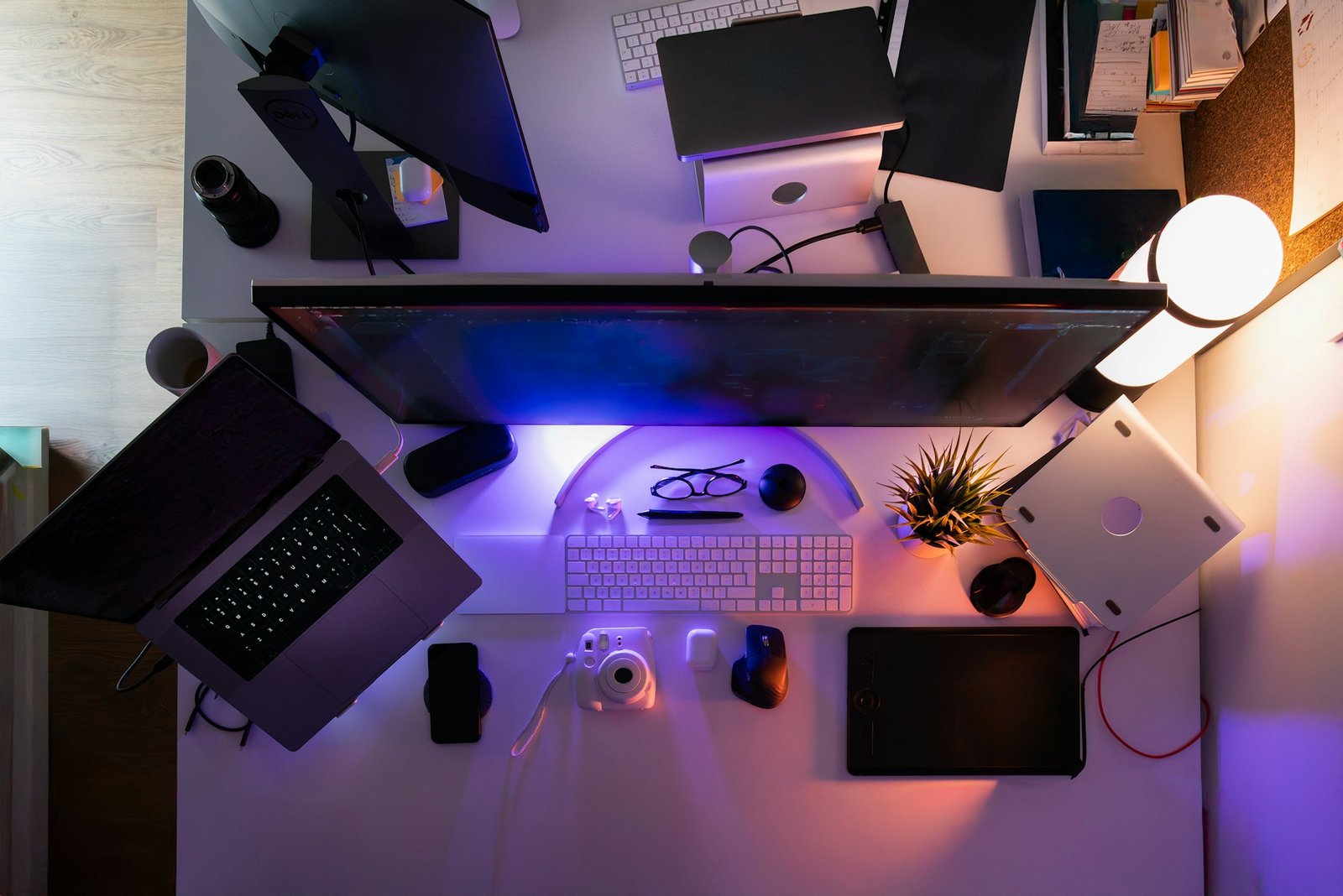
When your screen is much brighter than the surrounding area, your eyes constantly adjust between different levels of brightness.
Over time, this can lead to:
• tired eyes
• headaches
• reduced concentration
• dry or irritated eyes
Proper lighting helps balance the brightness between your screen and your workspace. This makes it easier for your eyes to stay relaxed and focused throughout the day.
Many remote workers and professionals now consider desk lighting one of the most important elements of an ergonomic workspace.
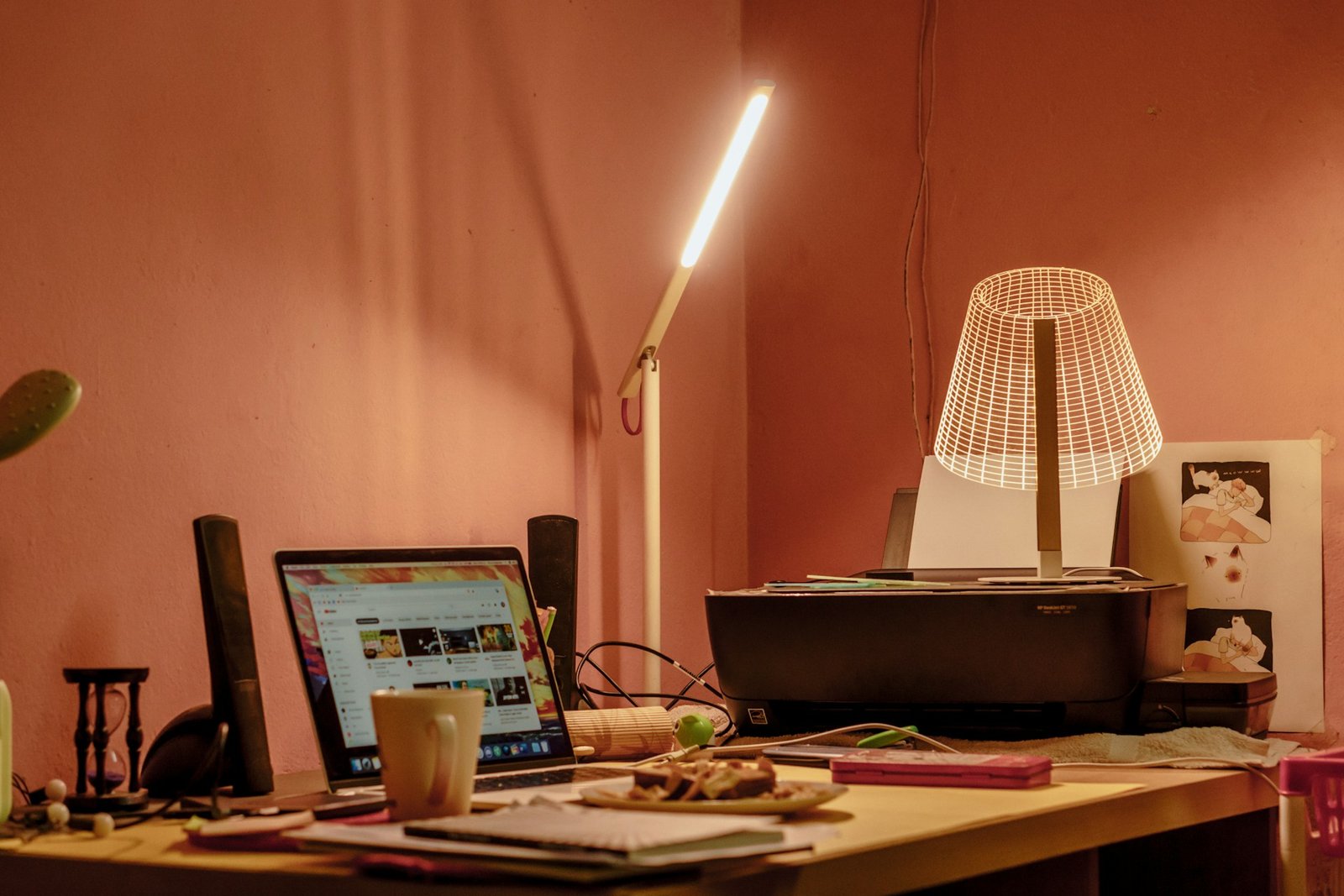
Choose the Right Desk Lamp
A well-designed desk lamp is one of the easiest ways to improve lighting around your workspace.
Look for lamps that provide:
• adjustable brightness
• flicker-free LED lighting
• adjustable positioning
• comfortable color temperature
Desk lamps are especially useful for tasks like reading documents, writing notes, or studying.
If you’re looking for product recommendations, we also reviewed several options in our guide to the 7 best desk lamps for eye strain and eye comfort.
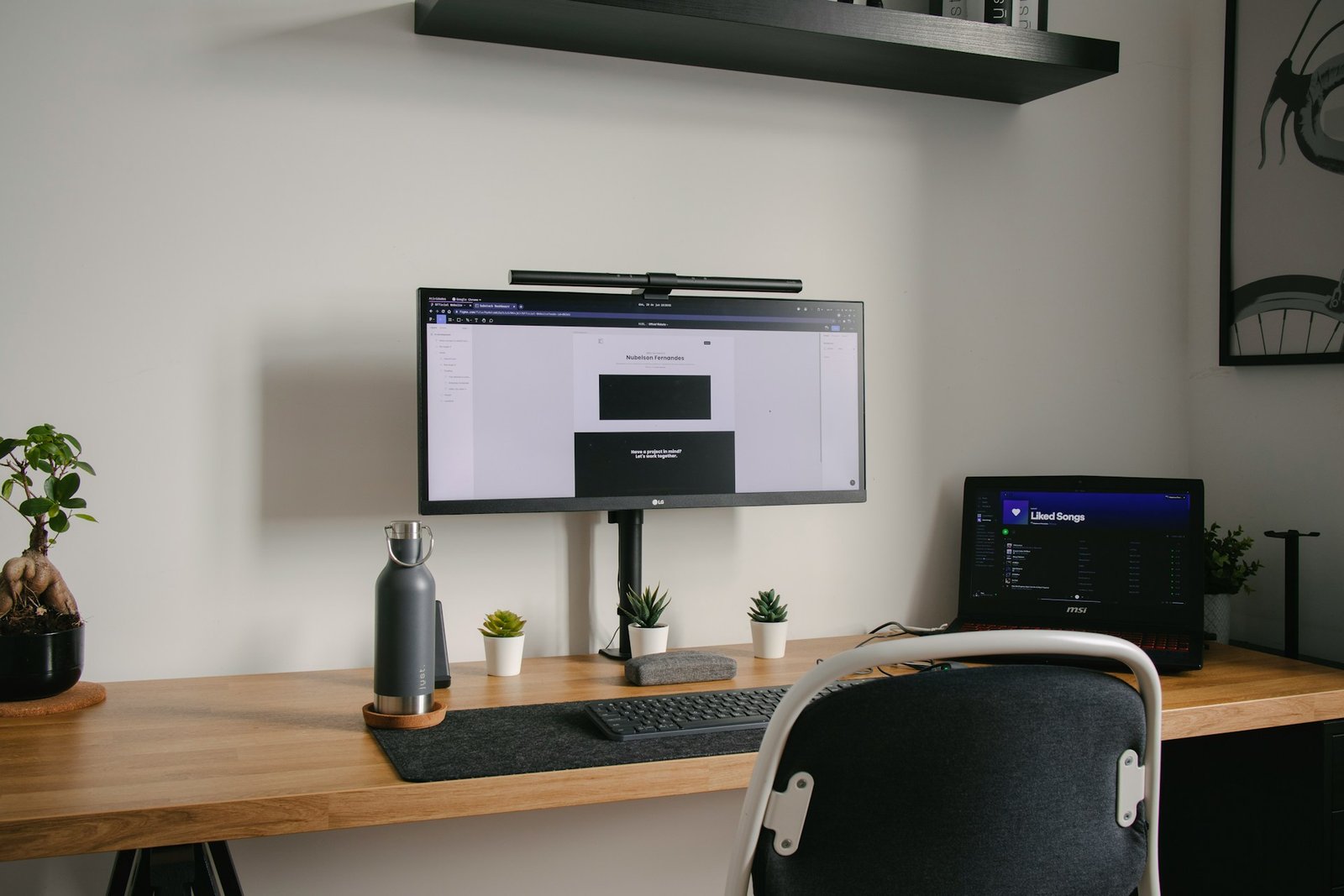
Consider Using a Monitor Light Bar
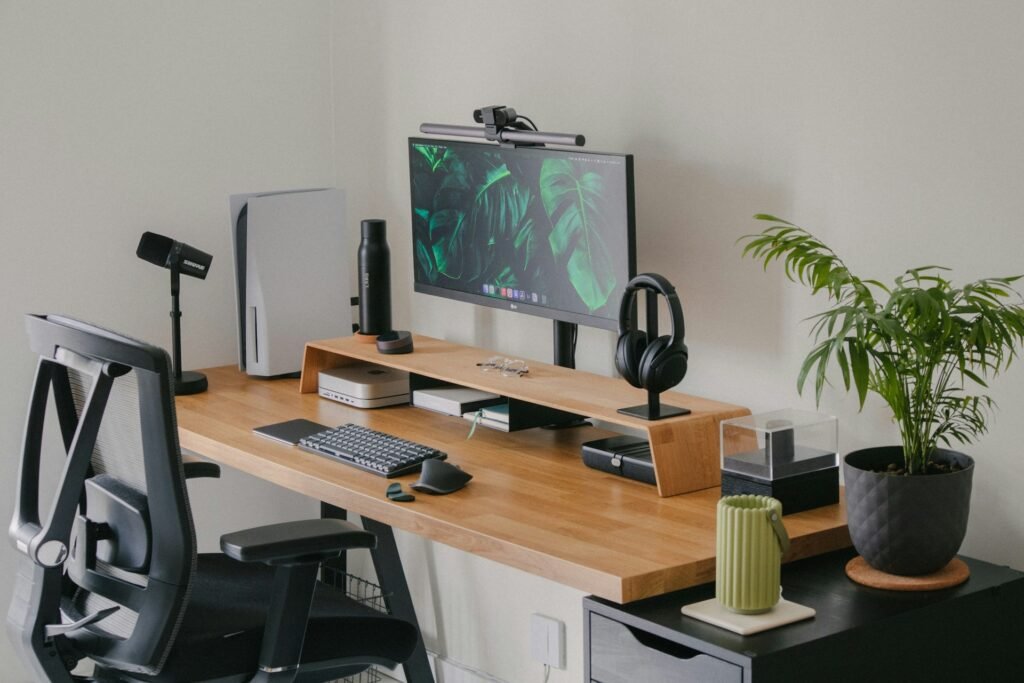
Monitor light bars have become increasingly popular in modern desk setups.
Unlike traditional lamps, a monitor light bar sits directly on top of your screen and shines light downward onto the desk surface.
This design helps:
• reduce contrast between your monitor and desk
• avoid screen glare
• save desk space
• create balanced lighting around your workspace
Many people find that a monitor light bar is one of the easiest ways to reduce eye strain during long computer sessions.
If you’re interested in specific models, we also covered several options in our guide to the best monitor light bar for eye strain.
Balance Ambient Lighting in the Room
Desk lighting alone is not always enough.
If your room is completely dark while your screen is bright, your eyes will still need to adjust constantly.
To improve overall lighting balance:
• avoid working in a completely dark room
• add soft background lighting
• position lights behind or beside your workspace
A balanced environment helps reduce the difference between your screen brightness and the surrounding area.
Adjust Color Temperature
Lighting color temperature also affects eye comfort.
Generally:
Warm light (3000K–3500K)
creates a relaxed environment in the evening.
Neutral white light (4000K–5000K)
is often considered ideal for desk work and productivity.
Cool white light (6000K+)
can feel bright and energizing but may be too harsh for extended use.
Many modern desk lamps and monitor lights allow you to adjust color temperature to match your workspace needs.
Avoid Screen Glare
One common mistake in desk setups is placing lights in positions that create glare on the monitor. Glare forces your eyes to constantly adjust focus and brightness.
To avoid screen glare:
- position lighting beside your monitor
- avoid direct light pointing at the screen
- use adjustable brightness lighting
These small adjustments help maintain comfortable desk lighting for eye comfort during long work sessions.
Monitor Light Bar vs Desk Lamp
One common question is whether a monitor light bar is better than a traditional desk lamp.
Both can improve desk lighting, but they serve slightly different purposes.
Monitor light bars are great for:
• computer-focused work
• reducing screen glare
• minimalist desk setups
Desk lamps are useful for:
• reading documents
• studying or writing
• flexible lighting placement
We compared these two options in detail in our guide to monitor light bar vs desk lamp: which is better for eye strain?
Final Thoughts
Improving your desk lighting is one of the simplest ways to make long work sessions more comfortable.
Balanced lighting around your workspace helps reduce eye strain, improve focus, and create a more pleasant environment for daily work.
Whether you choose a desk lamp, a monitor light bar, or a combination of both, small adjustments to your lighting setup can make a noticeable difference over time.
Sometimes the smallest upgrades are the ones your eyes appreciate the most.
FAQ
What is the best lighting for desk work?
Neutral white lighting between 4000K and 5000K is generally considered ideal for desk work because it provides clear visibility without feeling too harsh.
Do monitor light bars help reduce eye strain?
Yes. Monitor light bars illuminate the desk surface and reduce the brightness contrast between your screen and surrounding workspace.
Is a desk lamp or monitor light bar better?
Both can improve desk lighting. Monitor light bars are ideal for computer work, while desk lamps are more flexible for reading and general tasks.