Introduction
A proper desk lighting setup for computer work is essential to reduce eye strain, improve focus, and create a comfortable workspace.
Many people only rely on the monitor’s brightness or a single desk lamp, but the truth is that proper desk lighting setup can dramatically improve eye comfort and productivity.
In this guide, we’ll explain:
- The best lighting setup for computer work
- Monitor light bars vs desk lamps
- Ideal lighting positions
- Recommended lighting products
By the end, you’ll know exactly how to build a comfortable desk lighting environment.
Why Desk Lighting Matters for Eye Comfort
Poor lighting causes several common problems:
- digital eye strain
- glare on screens
- uneven contrast between screen and surroundings
- dry eyes and fatigue
According to vision specialists, the ideal workspace lighting should:
✔ reduce contrast between the monitor and surroundings
✔ avoid direct glare on the screen
✔ provide soft ambient illumination
Proper desk lighting can significantly reduce these issues.
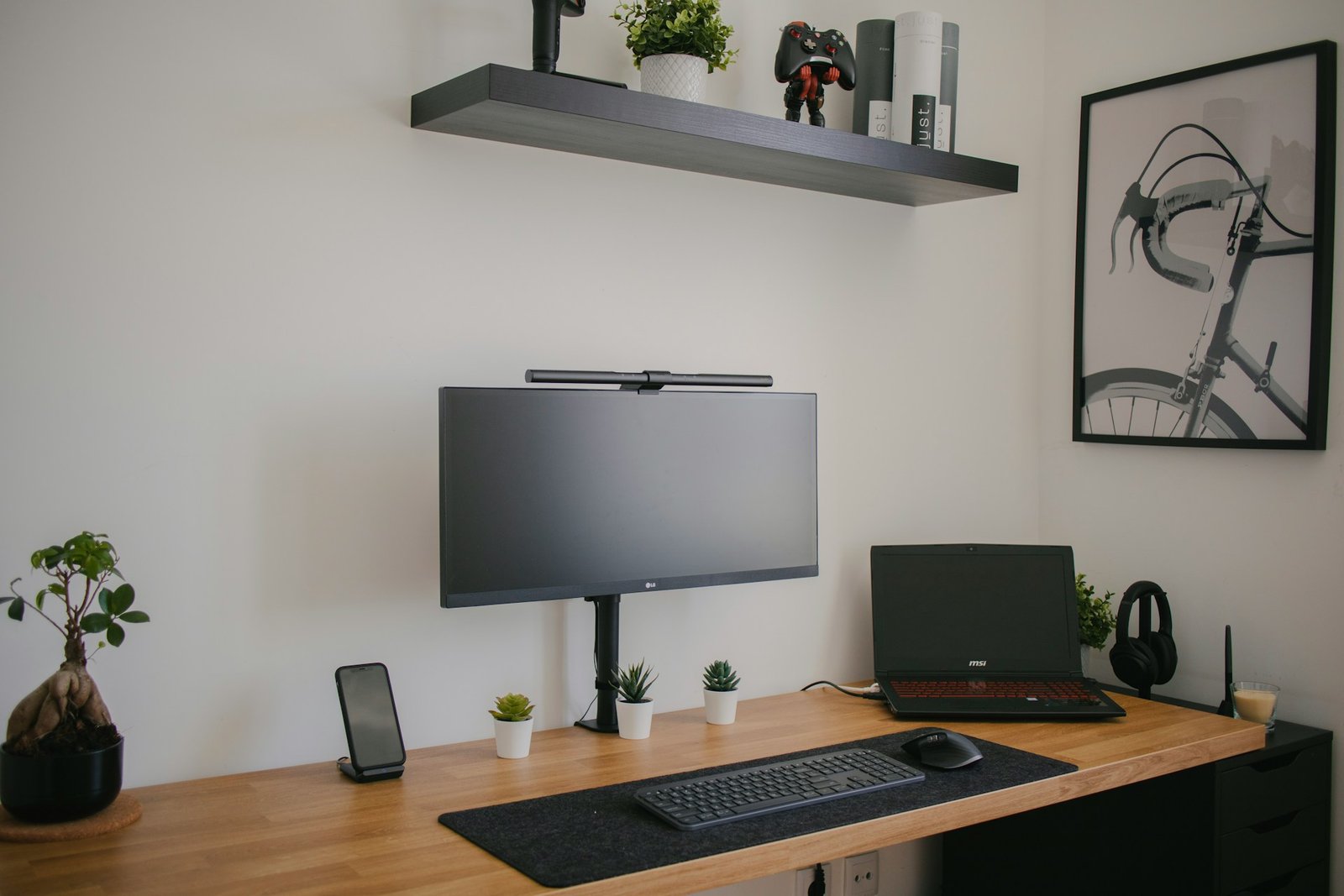
The Ideal Desk Lighting Setup
1️⃣ Ambient lighting
General room lighting.
Examples:
- ceiling lights
- floor lamps
Purpose
✔ reduce contrast with monitor brightness
2️⃣ Task lighting
Focused lighting for desk work.
Examples
- desk lamp
- adjustable LED lamp
Purpose
✔ illuminate keyboard and desk
3️⃣ Monitor lighting
Special lighting designed for screens.
Example
- monitor light bars
Purpose
✔ reduce screen glare
✔ illuminate desk without shining into eyes
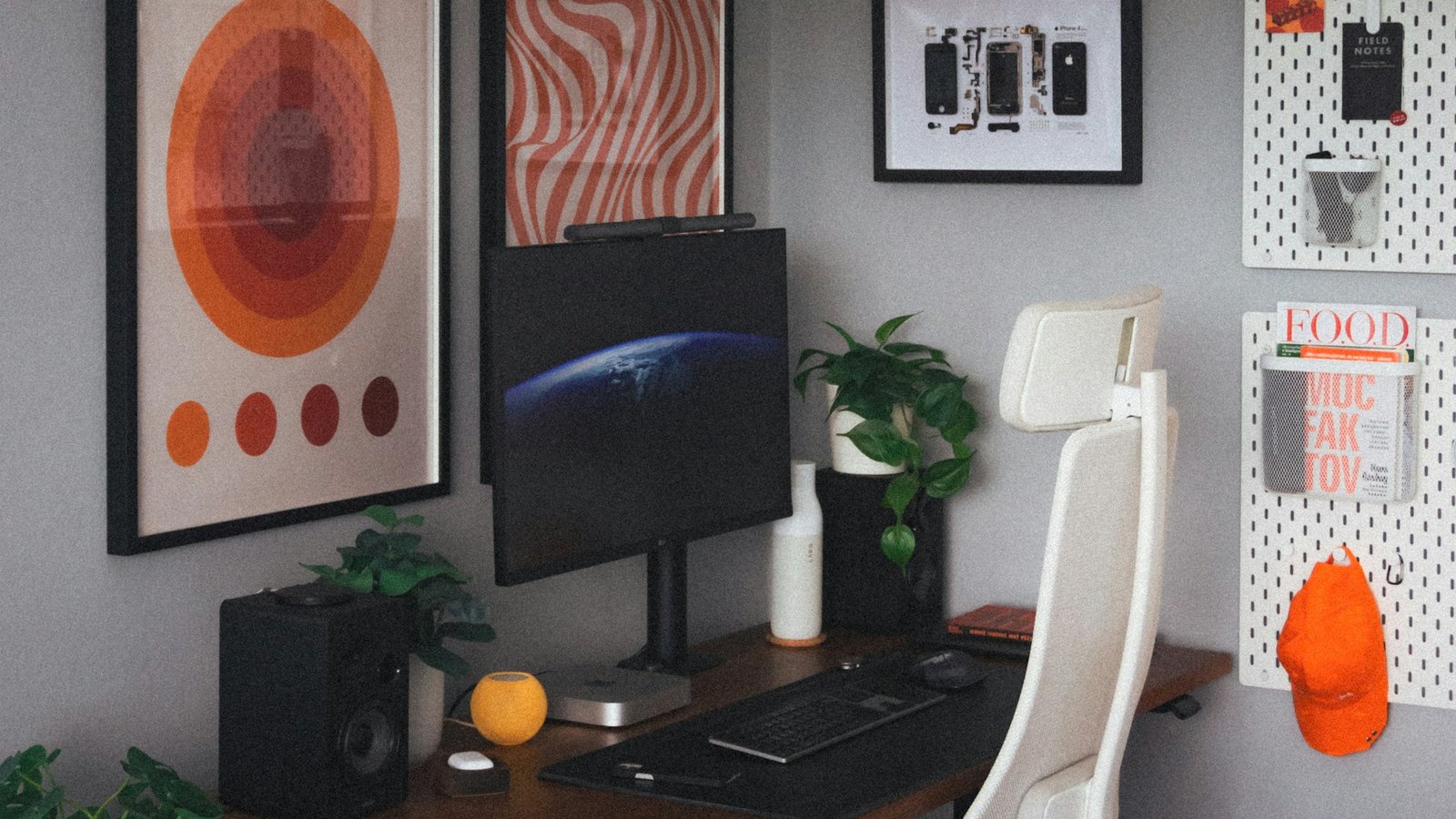
Monitor Light Bar vs Desk Lamp
Many people wonder which option is better.
👉 Quick comparison
| Feature | Monitor Light Bar | Desk Lamp |
|---|---|---|
| Screen glare | Very low | Can cause glare |
| Desk space | Saves space | Takes space |
| Installation | Clip on monitor | Requires desk area |
| Best for | minimal setups | flexible lighting |
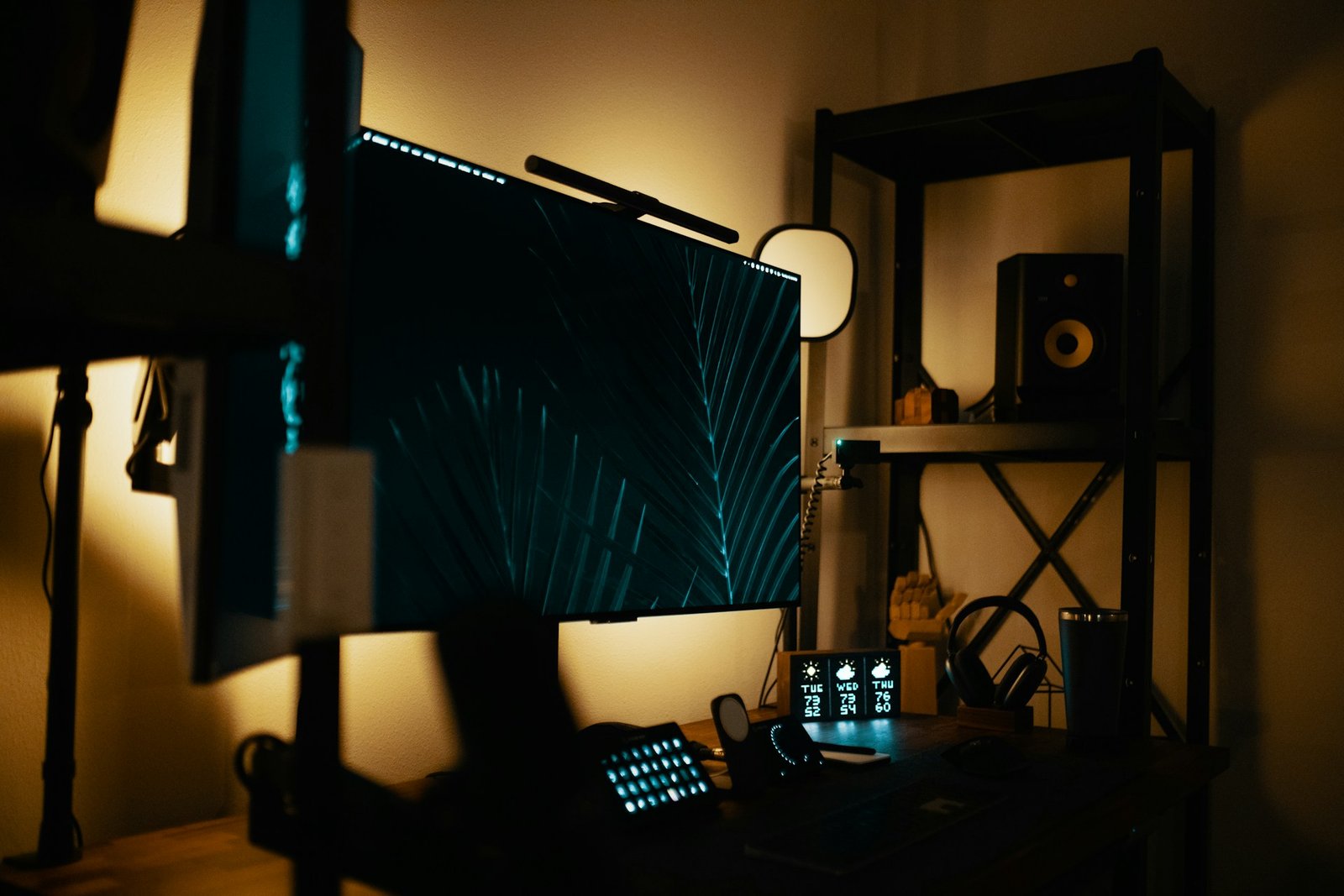
Recommended Monitor Light Bars
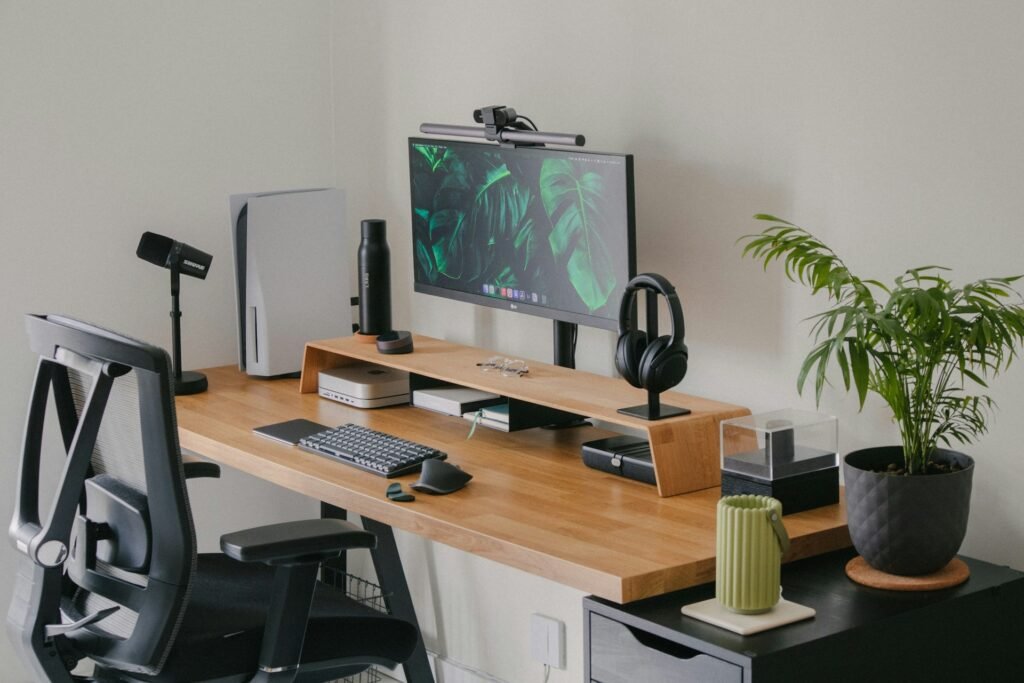
If you prefer a clean and minimal desk setup, monitor light bars are an excellent choice.
Popular options include:
BenQ ScreenBar
Pros
✔ automatic brightness adjustment
✔ glare-free lighting
✔ premium build quality
Xiaomi Monitor Light Bar
Pros
✔ affordable
✔ wireless control
✔ minimalist design
➡ See the full guide
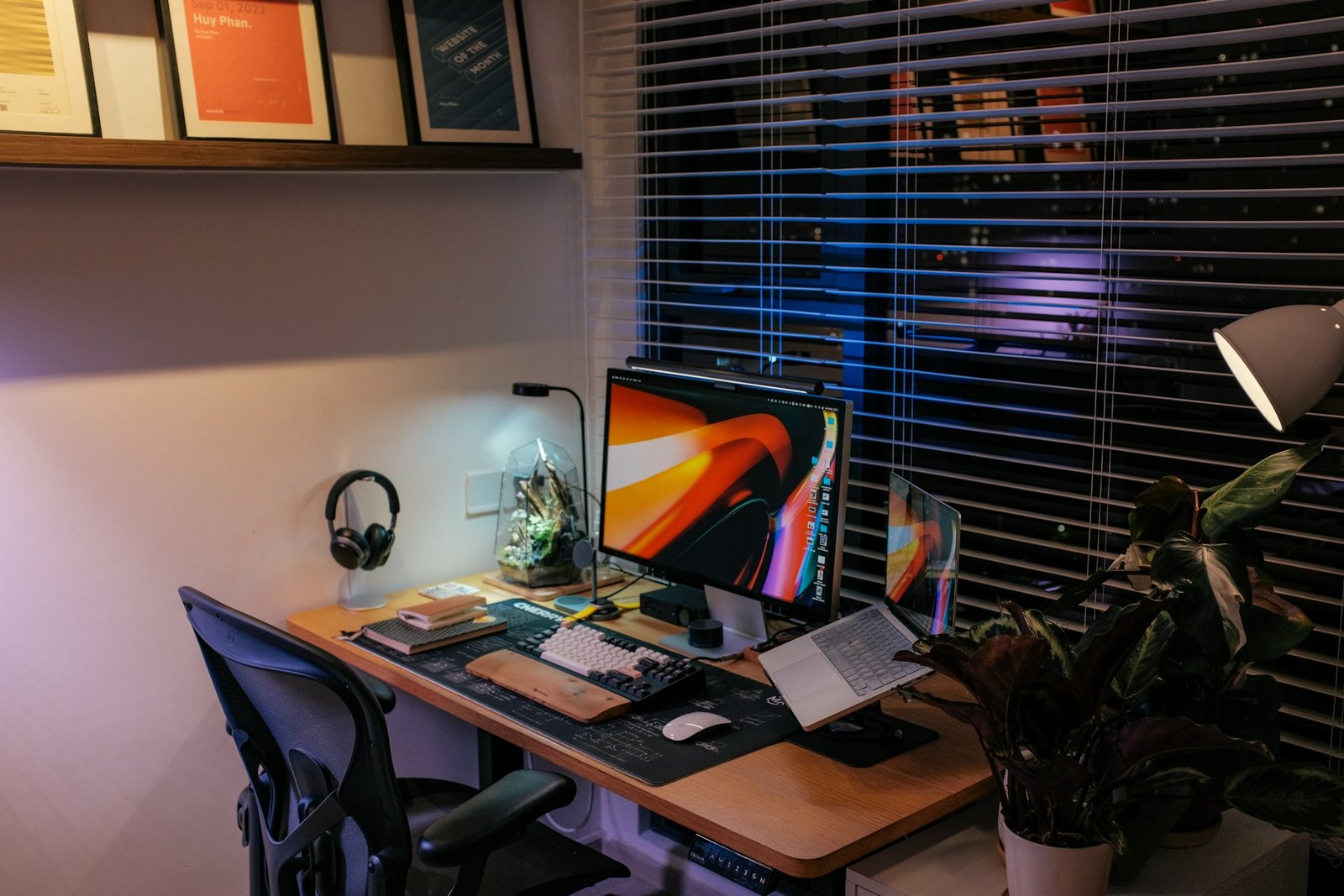
Recommended Desk Lamps
Desk lamps are still one of the most versatile lighting options.
They allow:
✔ adjustable angles
✔ stronger brightness
✔ wider illumination
Popular choices include adjustable LED desk lamps designed for eye comfort.
➡ Full guide
Where to Place Your Desk Light
Placement matters just as much as the light itself.
Recommended positions:
✔ opposite your writing hand
✔ slightly behind the monitor
✔ angled downward to avoid glare
Avoid
❌ direct light hitting the monitor
❌ light shining into your eyes
Common Desk Lighting Mistakes
Many people unknowingly create uncomfortable lighting environments.
Common mistakes include:
- placing a lamp directly in front of the monitor
- using overly bright lighting
- relying only on the monitor light
A balanced lighting setup with ambient light and task lighting is essential for long working hours.
Final Thoughts
Creating a comfortable desk lighting setup is one of the easiest ways to reduce eye strain during computer work.
A balanced combination of:
- ambient lighting
- task lighting
- monitor lighting
can dramatically improve comfort and productivity.
If you work long hours at a computer, investing in proper lighting is absolutely worth it.