Introduction
Modern computer work requires more than just a powerful monitor or a comfortable chair.
One of the most overlooked elements of a productive workspace is proper desk lighting.
Poor lighting can cause:
- eye strain
- headaches
- reduced concentration
- fatigue during long working hours
A well-designed desk lighting setup for computer work can dramatically improve both comfort and productivity.
In this guide, we will explain:
- how to design the best desk lighting setup
- the difference between desk lamps and monitor light bars
- how to reduce eye strain while working on a computer
Why Desk Lighting Matters for Computer Work
Many people assume the light from their monitor is enough.
However, working in a dark environment with only a screen can increase eye fatigue.
A proper lighting setup helps by:
- reducing contrast between screen and surroundings
- minimizing glare on the monitor
- creating a comfortable working environment
Studies show that balanced ambient lighting can significantly reduce digital eye strain.
The Ideal Desk Lighting Setup (Step-by-Step)
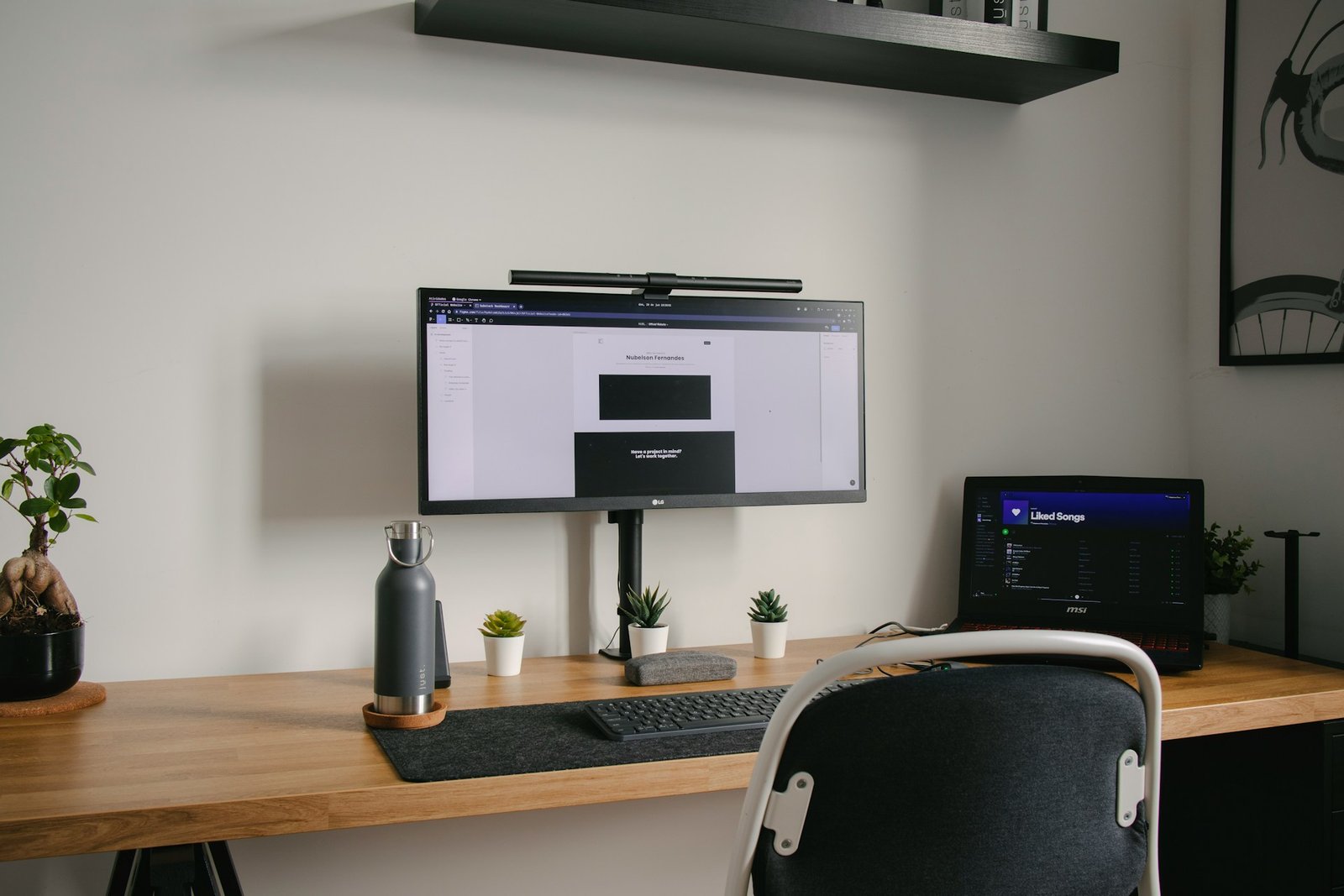
1️⃣ Use a Monitor Light Bar
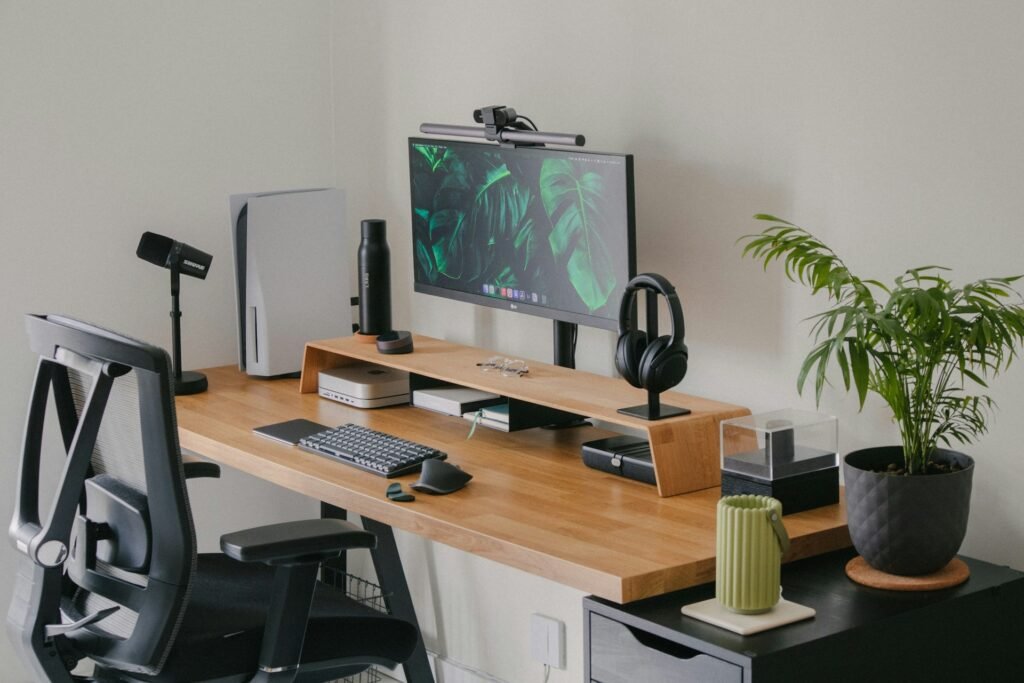
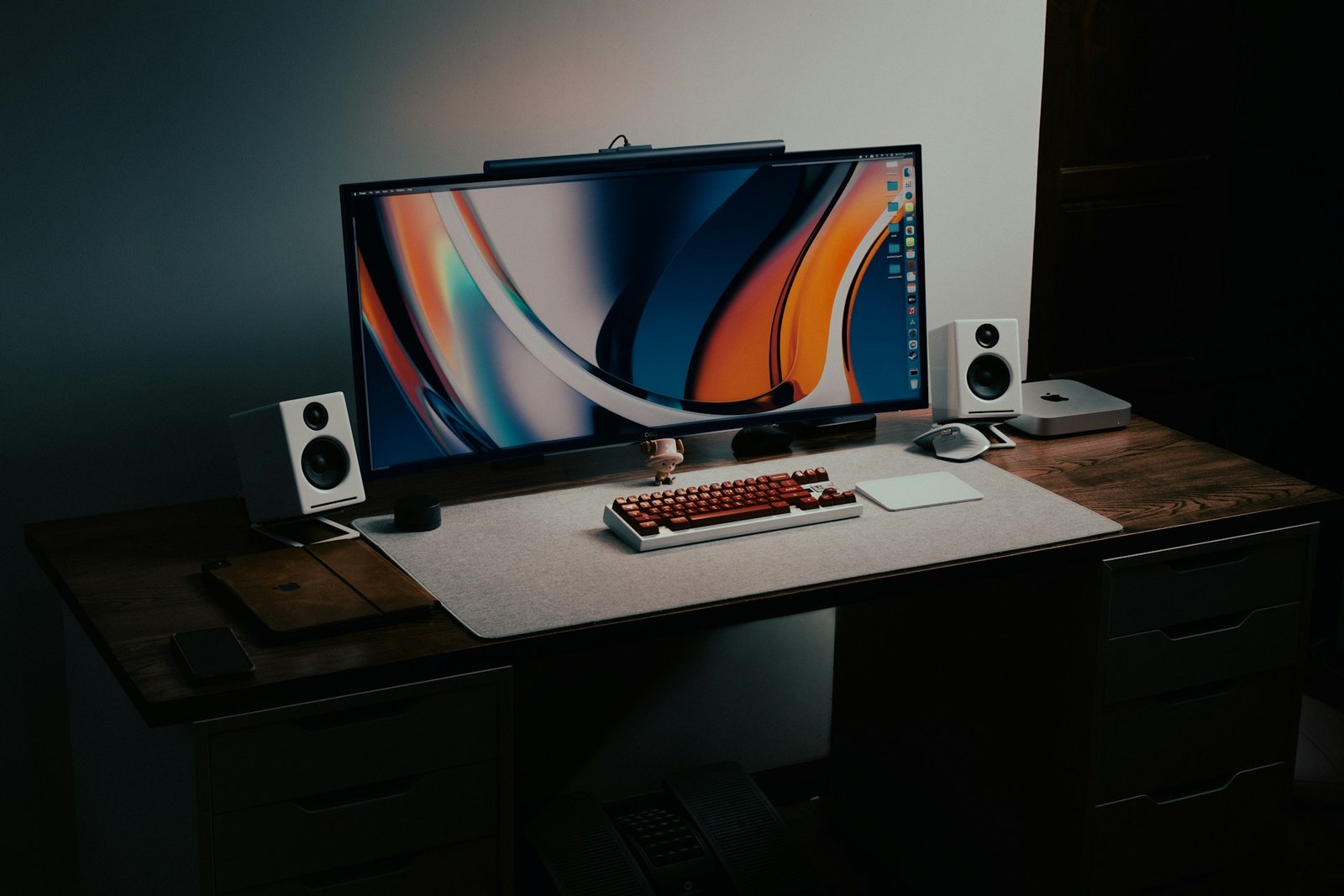
A monitor light bar sits on top of your screen and shines light onto the desk surface.
Benefits include:
- no screen glare
- space-saving design
- even lighting across the desk
Many professionals prefer monitor light bars for coding, writing, or office work.
2️⃣ Add Soft Ambient Lighting
Relying only on a desk lamp may create harsh contrast.
Instead, add:
- soft room lighting
- indirect wall lighting
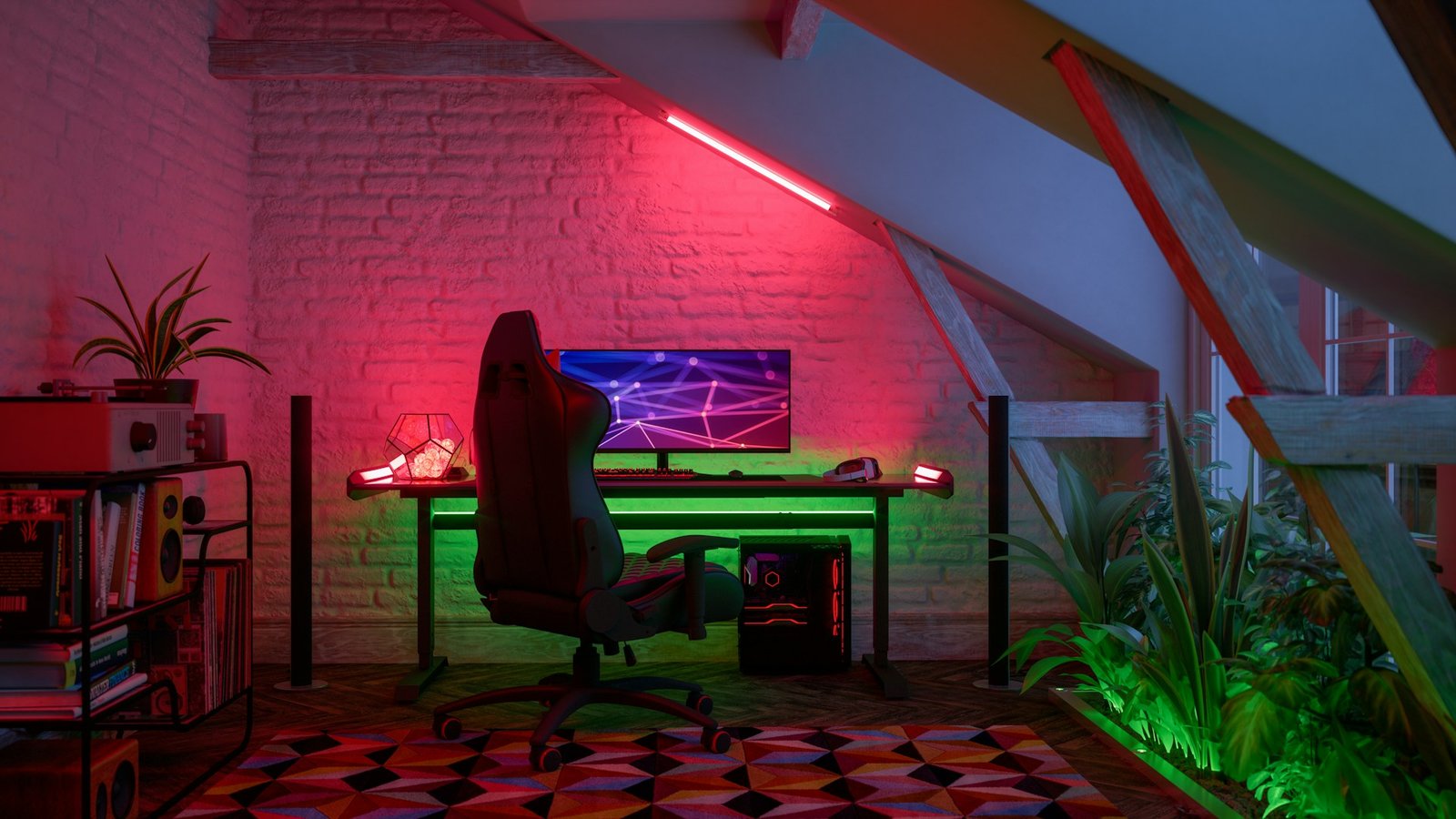
- LED light strips behind the monitor
This helps balance brightness between the monitor and the room.
3️⃣ Avoid Direct Light on the Screen
Direct lighting on the monitor can create glare.
To prevent this:
- position lamps to the side
- use downward lighting
- avoid ceiling lights reflecting on the screen
4️⃣ Choose the Right Color Temperature
Lighting color temperature plays a major role in comfort.
Recommended settings:
| Lighting Type | Color Temperature |
|---|---|
| Focused work | 4000K |
| Coding / reading | 4000K – 5000K |
| Relaxed work | 3000K – 3500K |
Cooler light tends to improve alertness and clarity during computer tasks.
Desk Lamp vs Monitor Light Bar
Many people wonder which lighting option is better.
| Feature | Desk Lamp | Monitor Light Bar |
|---|---|---|
| Desk space | Uses space | Saves space |
| Screen glare | Possible | Designed to avoid glare |
| Lighting direction | Adjustable | Downward focused |
| Setup | Flexible | Minimalist |
Both options work well, but many modern workspaces prefer monitor light bars for their clean setup and glare-free lighting.
Best Lighting Layout for a Computer Desk
A balanced lighting setup often includes three layers of light.
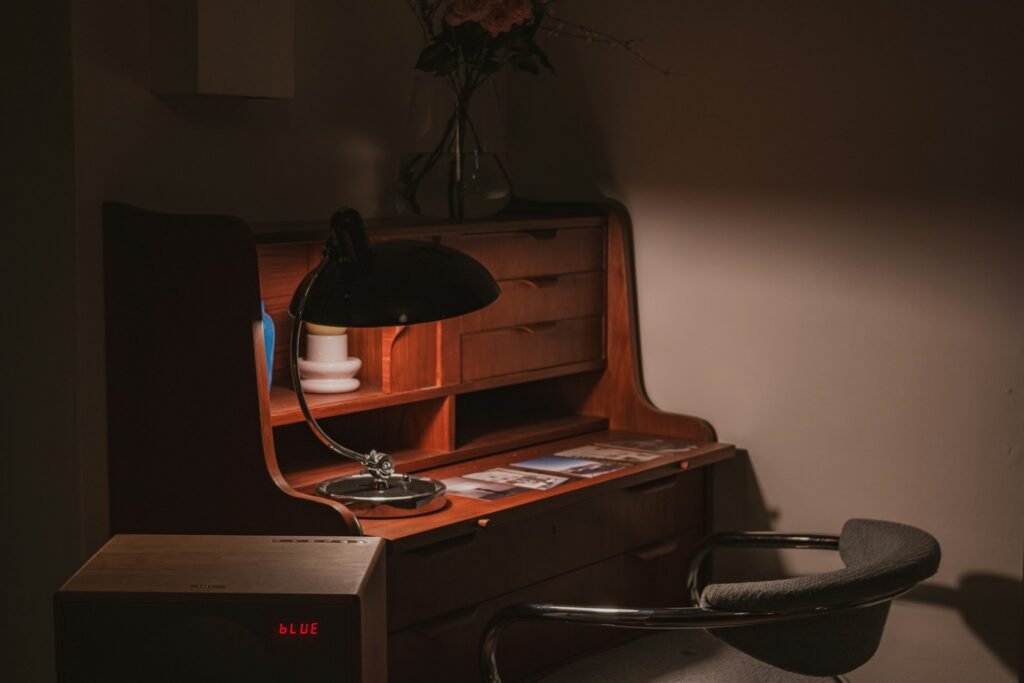
1️⃣ Task Lighting
Focused light used for work.
Examples:
- monitor light bar
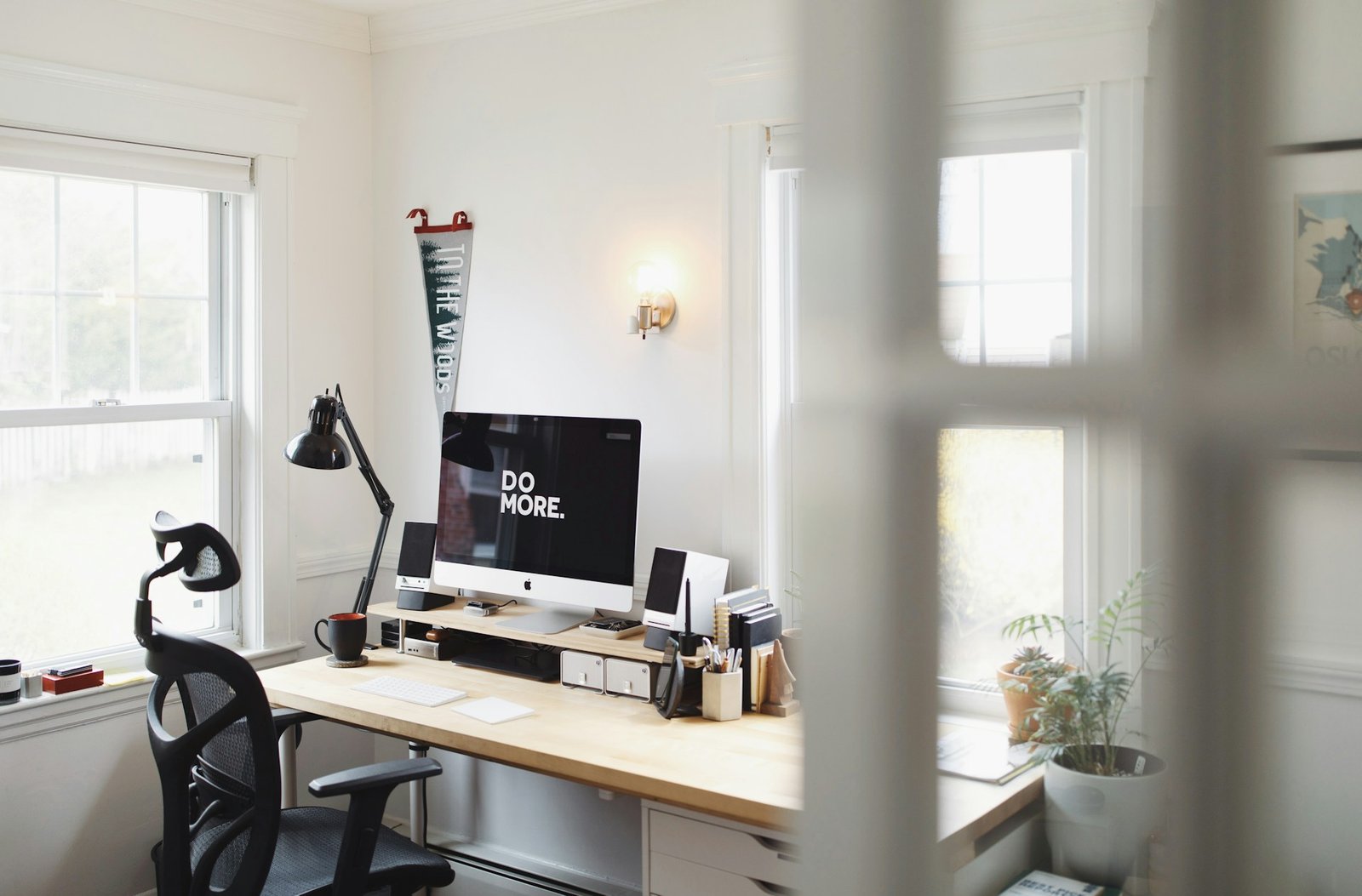
- adjustable desk lamp
2️⃣ Ambient Lighting
General lighting in the room.
Examples:
- ceiling lights
- wall lamps
- floor lamps
3️⃣ Accent Lighting
Optional lighting used to improve comfort and aesthetics.
Examples:
- LED strips behind the monitor
- shelf lighting
- desk backlighting
This layered approach creates a workspace that is both functional and comfortable.
Common Desk Lighting Mistakes
Avoid these common mistakes when setting up your workspace.
❌ Working in a Dark Room
A bright screen in a dark room increases eye strain.
❌ Using Overly Bright Desk Lamps
Too much brightness can cause glare and discomfort.
❌ Incorrect Lamp Position
Placing lamps directly behind the monitor can create reflections.
Final Thoughts
Creating the best desk lighting setup for computer work does not require expensive equipment.
The key principles are simple:
- balanced lighting
- glare reduction
- comfortable brightness
Whether you use a desk lamp or a monitor light bar, the right lighting setup can significantly improve your work environment.
If you spend several hours per day at your computer, investing in proper desk lighting is one of the easiest ways to protect your eyes and boost productivity.