Fix Your Desk Lighting — Eliminate Eye Strain Instantly
Most people think eye strain comes from screens.
👉 It doesn’t. 👉 It comes from bad lighting.
If your desk setup is wrong, your eyes are constantly fighting your environment.
Best Desk Lighting Setup for Eye Comfort
A proper desk lighting setup for eye comfort is essential if you spend long hours working on a computer.
The right lighting can reduce eye strain, improve focus, and create a more comfortable workspace.
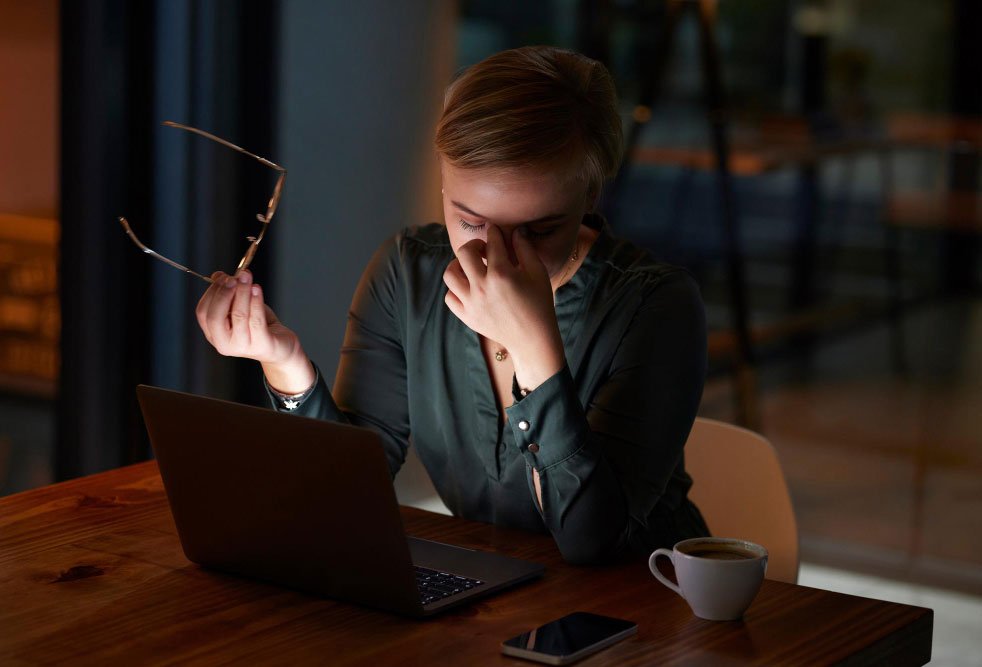
❗ The Problem
- ❌ Too much glare
- ❌ Harsh overhead lighting
- ❌ Dark room + bright screen
- ❌ Poor contrast
👉 This is why your eyes get tired.
If you’re experiencing discomfort, improving your desk lighting setup for eye comfort is one of the fastest and most effective solutions you can apply today.
💡 What a Perfect Desk Lighting Setup Looks Like
How to Fix Desk Lighting for Eye Comfort
A proper setup has 3 light layers:
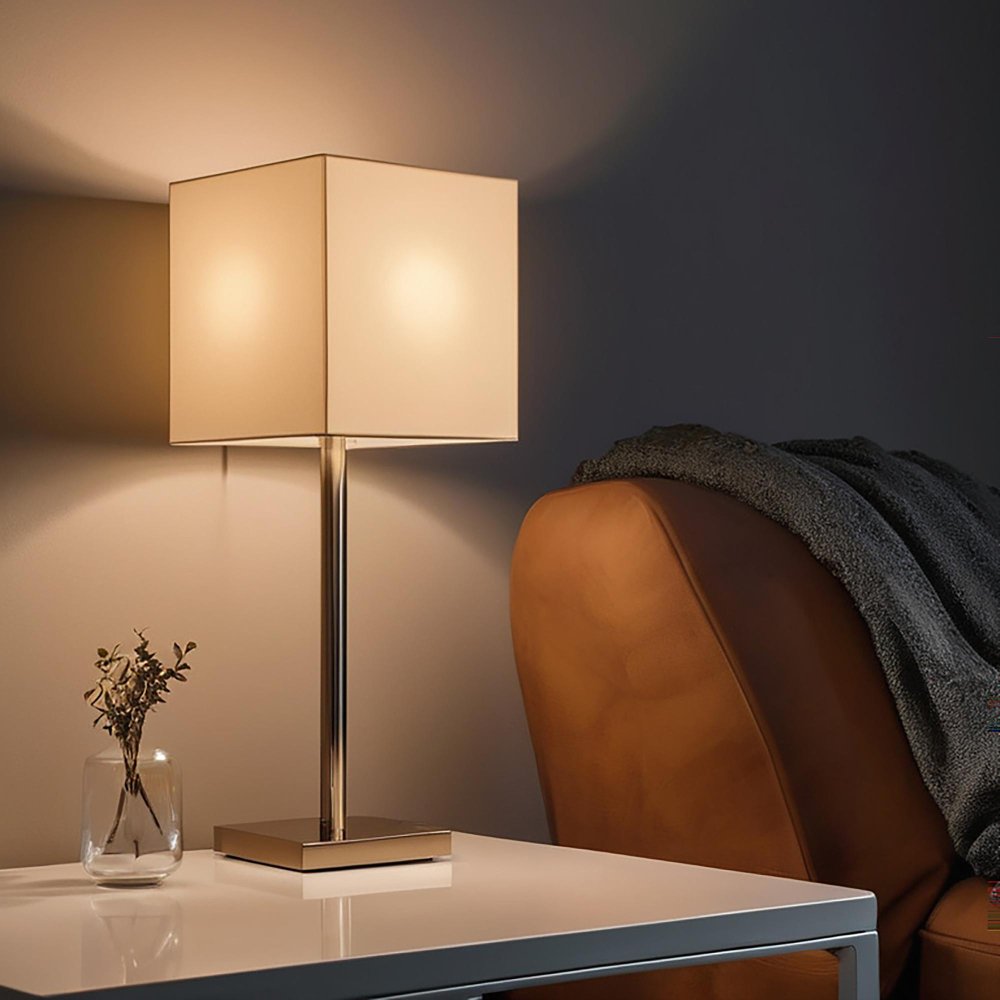
✔ 1. Ambient Light (Base Light)
- Soft room lighting
- Warm tone (3000K–4000K)
- Not too bright
👉 Prevents eye strain in dark environments
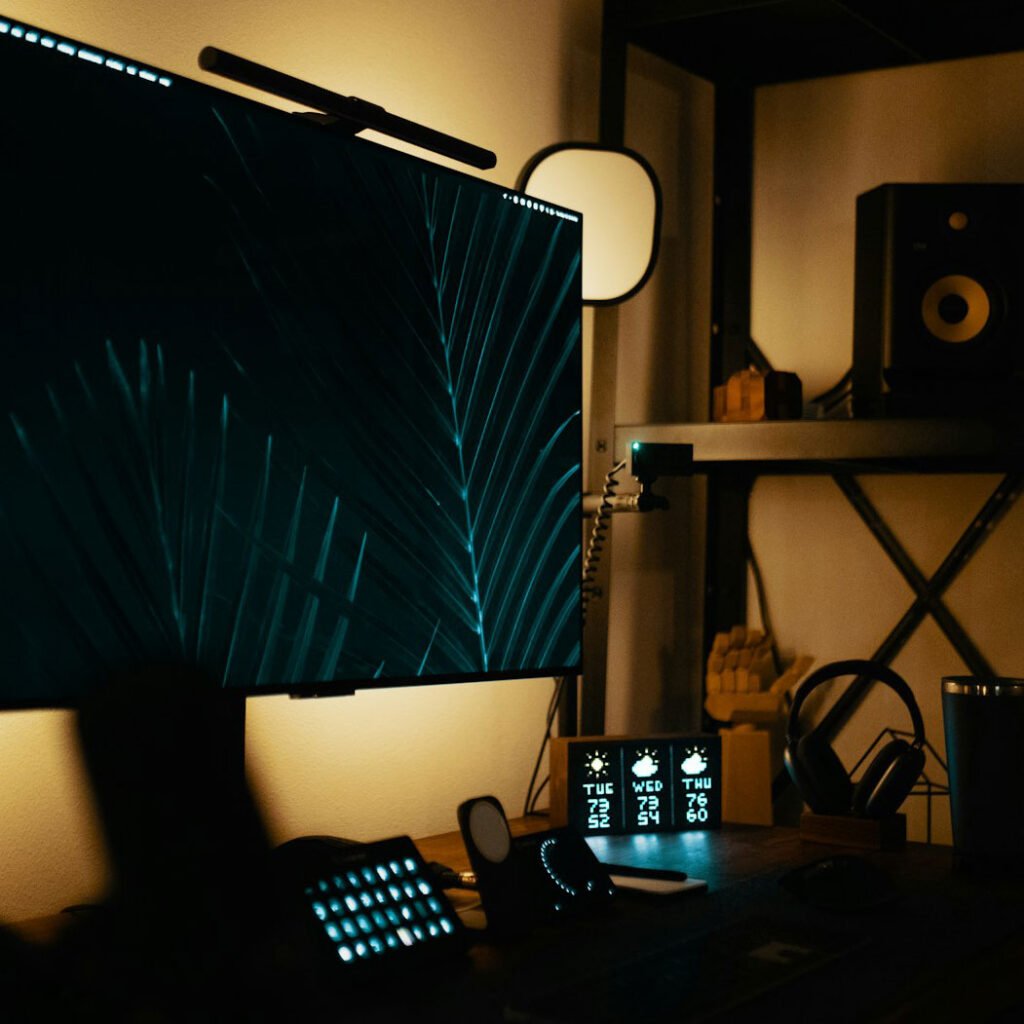
✔ 2. Task Light (Desk Lamp / Light Bar)
- Focused but soft light
- No direct glare
- Even illumination
👉 This is the most important layer
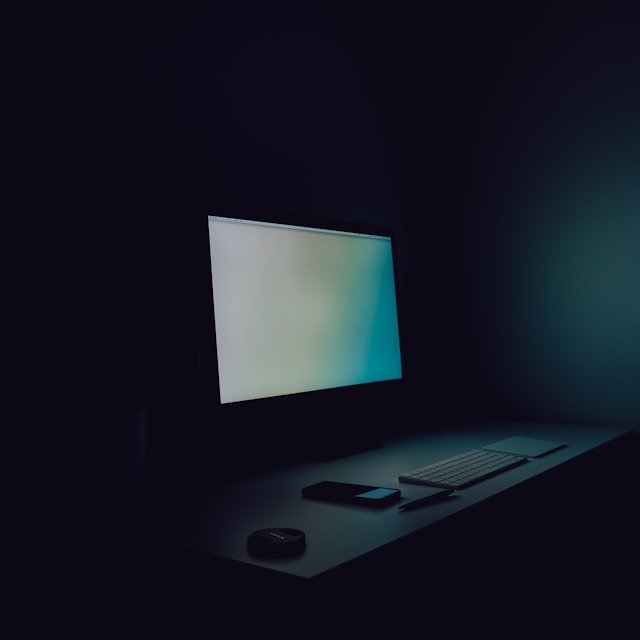
✔ 3. Screen Light Balance
- Match screen brightness with room
- Avoid high contrast
- Use warm display settings
🚀 The Best Setup (Recommended)
💡 TOP PICK
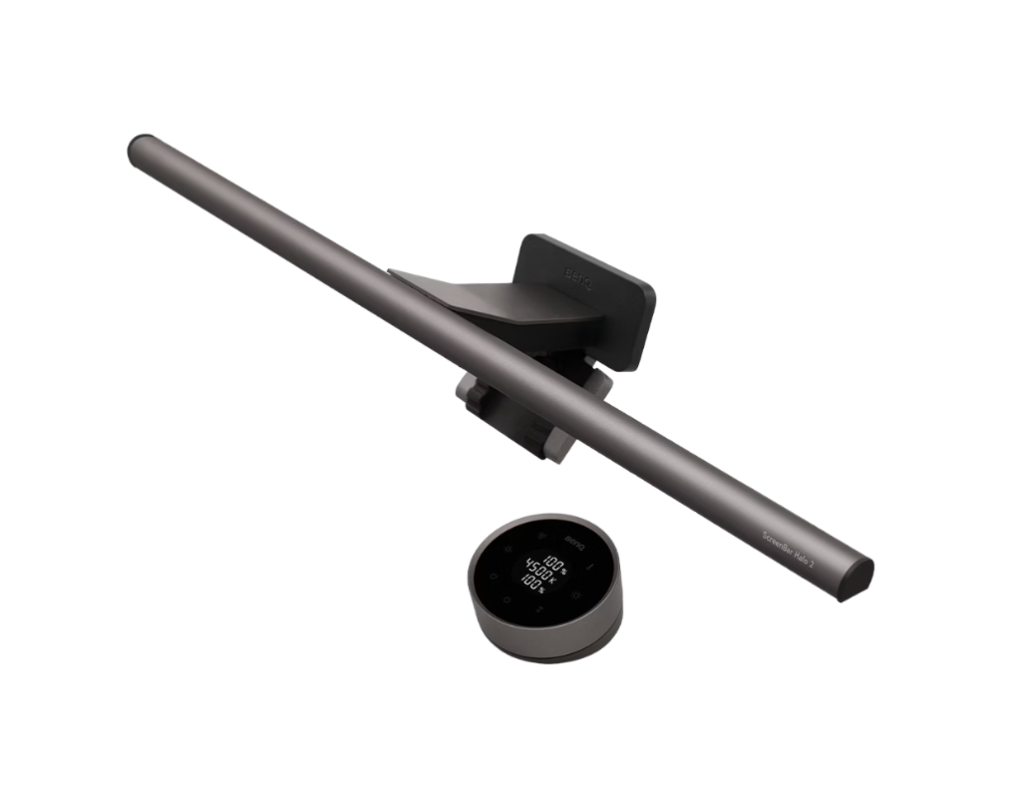
BenQ ScreenBar Halo 2 LED Monitor Light Bar
- Wireless Controller
- Backlight
- Motion Sensor
- Adjustable Brightness/Color Temperature
- Eye-Care
- No Screen Glare
- Fits Curved Monitor
⚡ Desk Lamp vs Monitor Light Bar
| Feature | Desk Lamp | Monitor Light Bar |
|---|---|---|
| Glare | Yes | No |
| Desk Space | Takes up space | Space-saving |
| Lighting Quality | Moderate | Excellent |
| Eye Comfort | Good | Best |
👉 Monitor Light Bar is the best choice for eye comfort and modern desk setups.
Ideal Desk Lighting Setup
A few small changes can make a huge difference. Follow these three steps to create a workspace that feels softer, brighter, and much easier on your eyes.
Fix Your Room Lighting
- Turn on soft ambient light.
- Avoid working in a completely dark room.
- Choose a warm, comfortable tone instead of harsh white light.
Add a Proper Light Source
- Use a monitor light bar or a soft desk lamp.
- Choose lighting that spreads evenly across your desk.
- Keep the light gentle and diffused, not sharp or glaring.
Direct light ✕
Indirect light ✓
Balance Your Screen
- Set brightness to around 50–70%.
- Use a warmer tone for a more comfortable look.
- Turn on Night Mode in the evening.
Even small lighting adjustments can make a noticeable difference
in how your eyes feel after long hours of screen use.
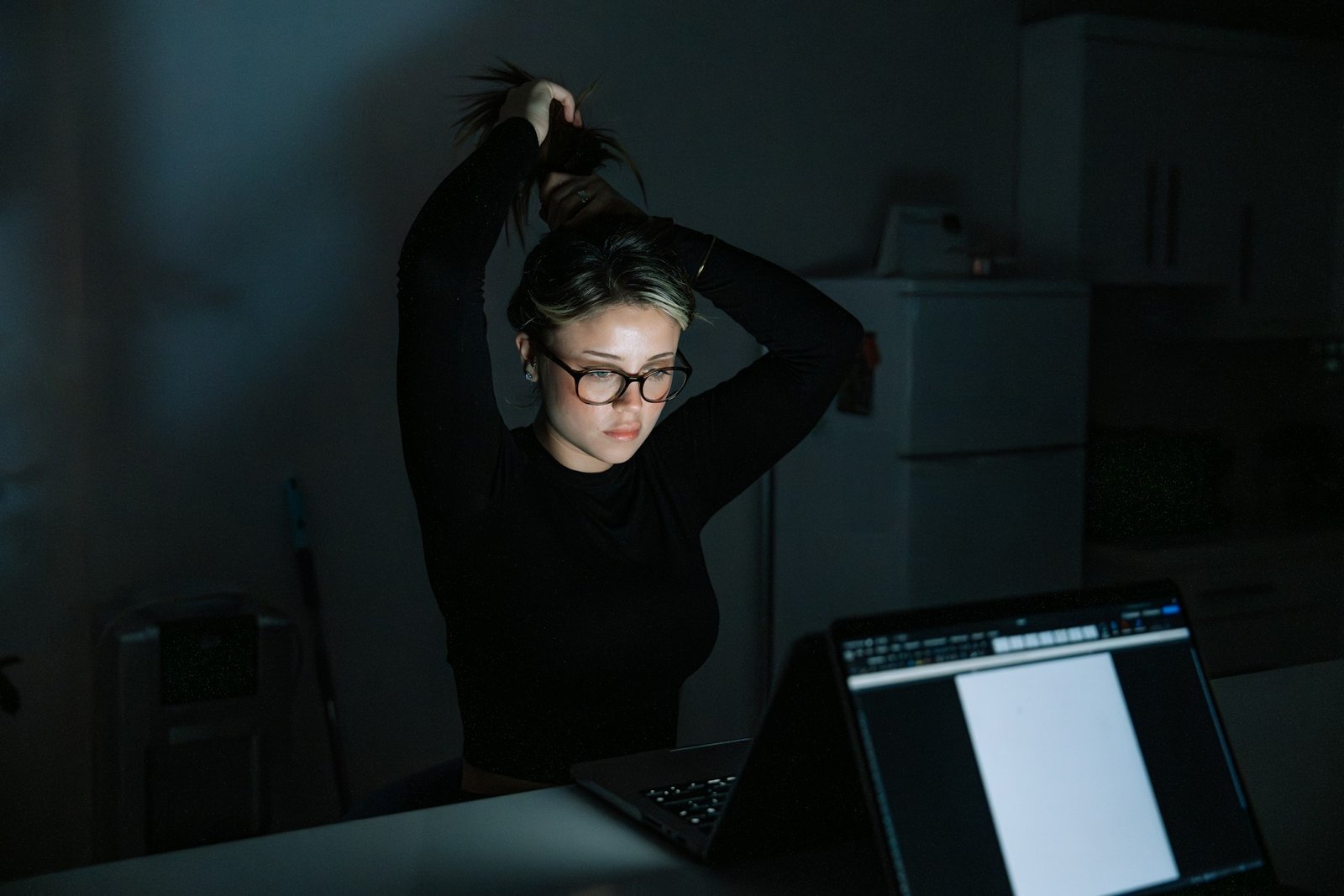
🌙 Night Setup (Critical)
At night:
Your eyes are more sensitive
Blue light becomes stronger
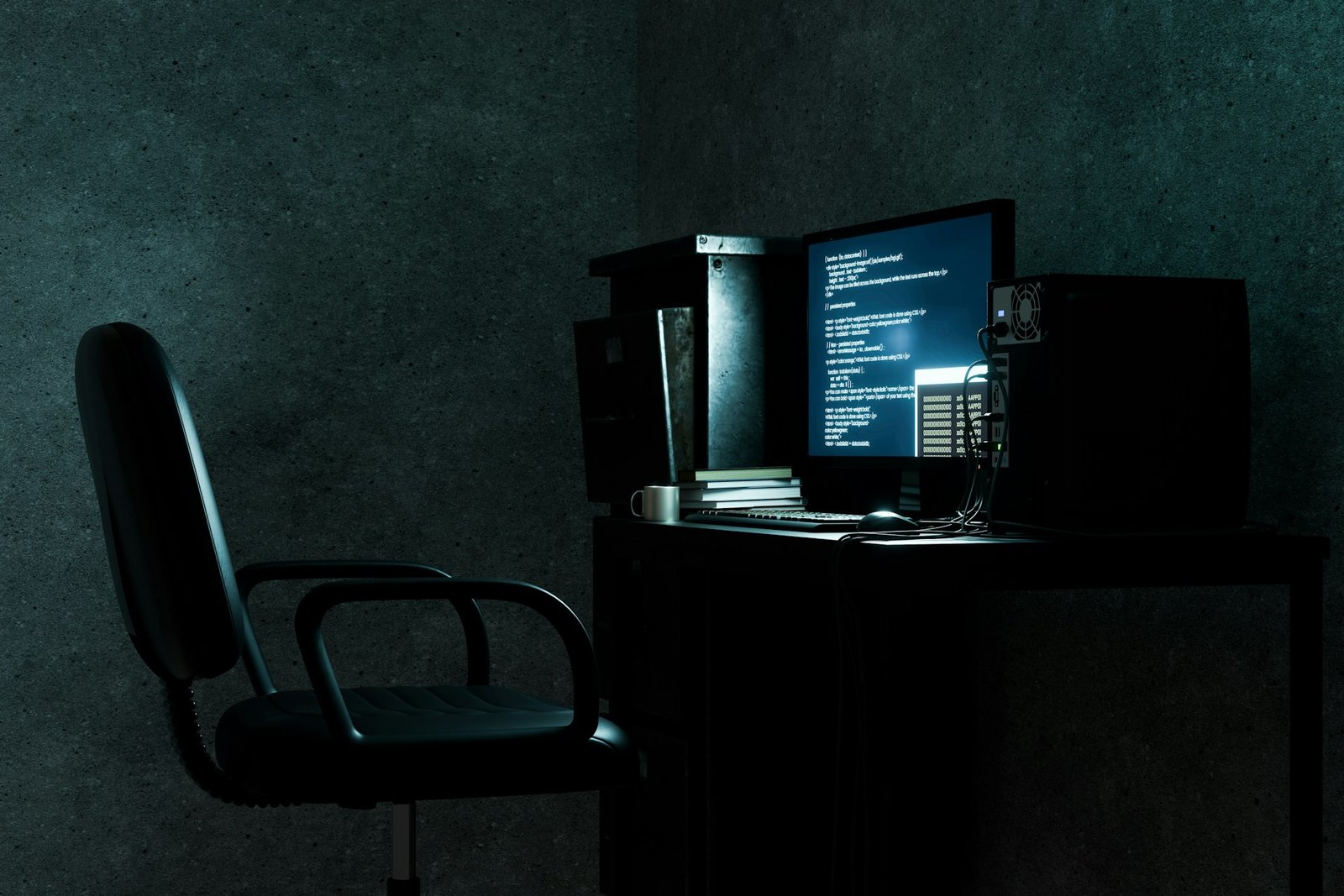
❌ Worst Setup
Dark room
Bright screen

✅ Best Setup
Warm ambient light
Soft desk lighting
Reduced brightness
🛠 Quick Desk Lighting Checklist
| ✔ No direct glare | ✔ Soft warm lighting |
| ✔ Even light distribution | ✔ Screen not too bright |
📊 Signs Your Setup Is Wrong
Eyes hurt quickly
You feel tired fast
Frequent headaches

Ready to Fix Your Desk Setup?
Upgrade your lighting and eliminate eye strain today.
A well-designed desk lighting setup can completely change how your eyes feel during long work sessions. Many people underestimate how important lighting is, but even small adjustments can reduce eye strain, improve focus, and make your workspace more comfortable throughout the day.